Best Travel Apps You Need Before Your Next Trip (2025 Guide)
Introduction
There are thousands of travel apps out there, and most of them aren’t worth the storage space on your phone. I’ve spent years testing the best travel apps so you don’t have to download a dozen duds before your next trip. This guide is a practical, experience-based shortlist of apps that actually save you time and moneyâno fluff, no wasted downloads. Whether you need smarter flight booking, reliable offline maps, or a way to keep your budget in check, this curated list covers the essentials. By the end, you’ll have a clear, lean app stack you can set up in minutes before you leave home.

Why Most Travel Apps Are a Waste of Storage (and How to Pick the Right Ones)
Here’s the truth: most travel apps are bloated, pushy with upsells, or useless the moment you lose signal. I’ve fallen for the hype myselfâdownloading every “top-rated” app before a trip only to delete half of them on day two.
Common mistakes travelers make:
- Downloading more than one app for the same job (e.g., three booking apps and two map apps).
- Ignoring offline functionality until they’re stuck without service.
- Relying on one “super app” that does everything poorly.
My rule of thumb: one app per core needâmapping, booking, translation, and budgeting. That’s it. All-in-one apps are tempting, but they often sacrifice performance in each area. Specialized tools do one thing well and don’t drain your battery or data. The best travel apps are the ones you actually open because they solve a specific problem without a learning curve.
If an app asks for a subscription before you can see its core features, skip it. If it doesn’t work offline, it’s a risk you don’t need. Trust me, you’ll thank yourself later when you’re navigating a foreign city without WiFi.
Best Travel Apps for Booking Flights and Accommodations
When it comes to flights, I use different apps depending on what I need. Here’s how they break down:
- Skyscanner: Best for flexible date searches. If you can travel a day or two earlier or later, Skyscanner shows the cheapest days in a month view. It also covers budget airlines you might miss on other platforms.
- Google Flights: Ideal for price tracking. Set a price alert on a specific route, and Google Flights emails you when rates drop. The calendar view and “Explore” mode are great for spontaneous trips.
- Kayak: Its price prediction feature is useful, though not always accurate. I use it as a secondary check after Skyscanner and Google Flights. The app also bundles hotels and car rentals well.
For accommodations, my go-to is Booking.com for free cancellation and a wide range of properties. Hostelworld is unbeatable for budget travelers and solo backpackers. Hotels.com has a solid rewards program if you book multiple stays a yearâafter 10 nights, you get a free one.
One quick tip: before you book, check if a hotel has its own direct booking site. Sometimes you get a better rate there, plus loyalty perks. But for convenience and cancellation flexibility, Booking.com usually wins.
If you’re a frequent traveler, consider a travel rewards credit card that earns points on these bookings. It’s an easy way to offset costs.
Best for:
- Flights: Skyscanner for flexible dates, Google Flights for price alerts.
- Accommodation: Booking.com for most travelers, Hostelworld for budget.
Navigation Apps That Actually Work When You Have No Signal
Losing signal in a new city is stressfulâespecially if you haven’t planned ahead. The best offline maps save you before that happens.
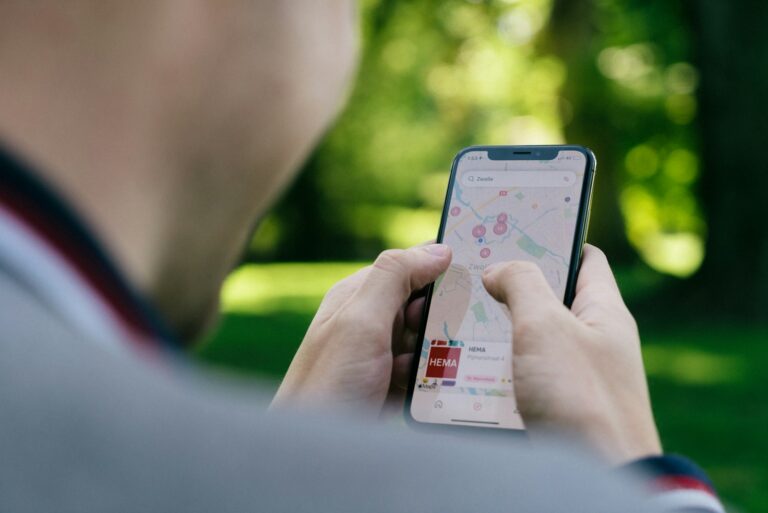
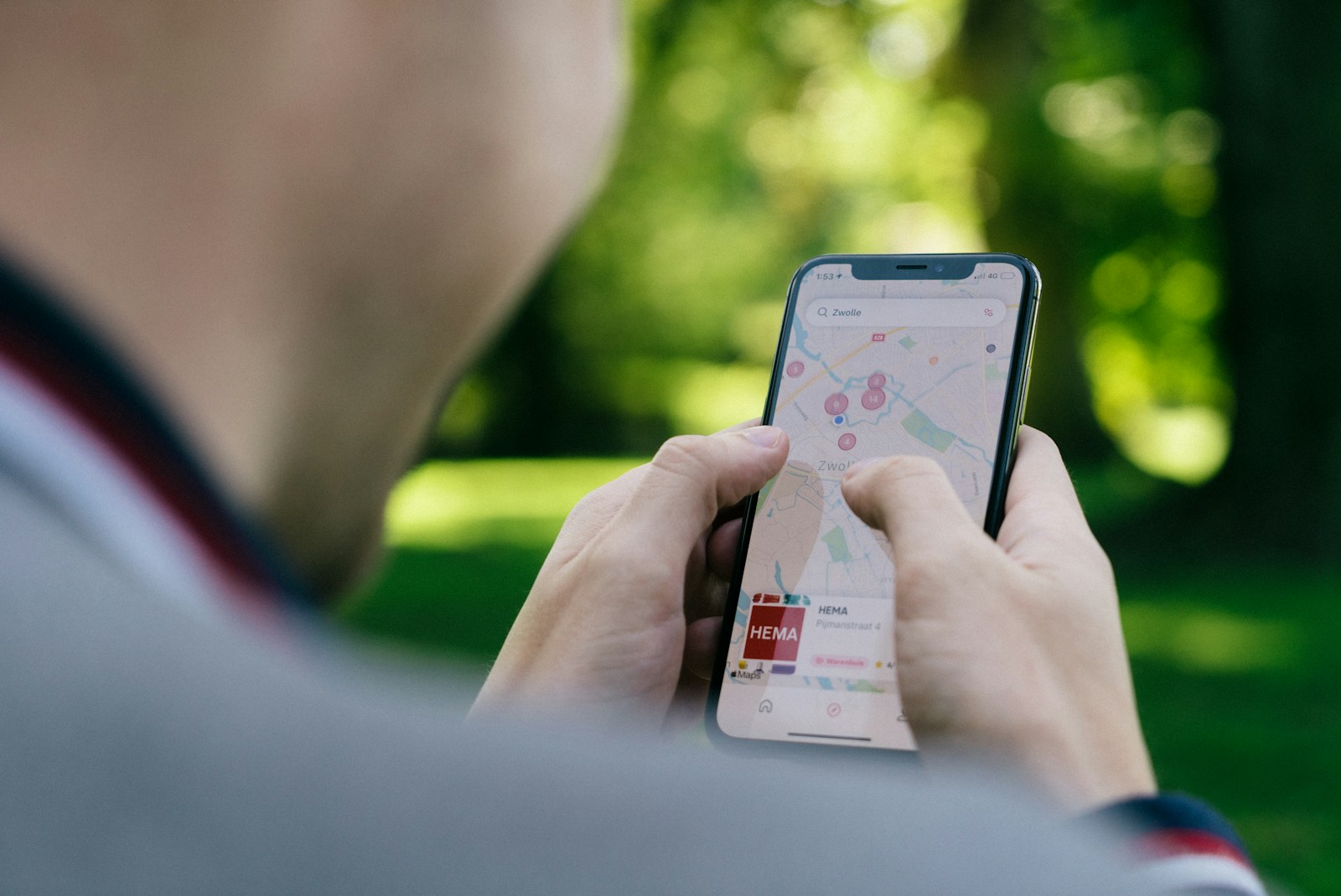
- Google Maps: You can download entire city maps on WiFi before you leave. Just search “offline maps” in the menu and select your area. It works for driving, walking, and public transit directions even without data.
- Maps.me: My backup when Google Maps fails. It’s lighter, uses less battery, and includes hiking trails and detailed walking paths. The navigation is step-by-step offline. Useful for rural areas or longer treks.
- Citymapper: Only works in supported cities (mostly major metros), but when it does, it’s the best for public transit. It shows real-time departures, delays, and sometimes even bike-sharing stations.
Pro tip: Always download maps for your entire destination at home on WiFi. It takes a few minutes and saves you a headache. Also, switch Google Maps to dark mode to save batteryâevery bit counts when you’re out all day.
Consider a high-capacity portable power bank to keep your phone charged. Offline maps drain battery slower than streaming, but you’ll still need a backup.
Language and Communication Apps: Beyond Google Translate
Google Translate is still the best all-around translation app. The camera feature is great for menus and signs, though it can misread fonts or cursive scripts. For European languages, DeepL provides more accurate translations, especially for longer texts. iTranslate is solid for voice conversations, but its offline mode requires a paid upgrade.
WhatsApp is the global standard for texting and calls. Most hotels, tour operators, and local contacts use it. Download it before you go and set up your account on WiFi to avoid SMS verification issues.
If you want to learn basic phrases before your trip, Duolingo is fun but won’t make you fluent. Use it for greetings, numbers, and directionsâanything beyond that needs a real app or class. Honestly, a physical phrasebook can be more reliable in areas with spotty internet.
For advanced users, translation earbuds offer real-time conversation translation. They’re not perfect yet, but they’re impressive for simple exchanges.
Budgeting and Expense Tracking Apps for Stress-Free Travel
Money is one of the biggest stressors on the road. These apps help you keep it under control.
- Trail Wallet: Simple and clean. You set a daily budget, enter expenses in any currency, and the app shows how you’re doing in real-time. Great for solo travelers. It works offline most of the time.
- TravelSpend: More features than Trail Wallet, including multi-currency tracking, category breakdowns, and sharing with a partner. Good for couples or families who want to see where every dollar goes.
- Splitwise: Essential for group trips. You add expenses and Splitwise calculates who owes whom. It’s the only app I use when traveling with friends. The free version does everything you need.
For banking, Revolut and Wise let you exchange currency at near-market rates with low fees. I’ve used Wise for yearsâit’s reliable and has a card that works worldwide. Avoid apps that require constant internet to update your budget; offline sync is a must.
Keep your cash and cards safe with a compact travel wallet that sits under your clothes.
Safety and Medical Apps Every Traveler Should Have
Safety isn’t just about avoiding dangerâit’s about being prepared. These apps help you act fast when something goes wrong.
- TripWhistle: Gives you the local emergency number for any country, plus shows your exact location. It works offline. Download it and keep it handy.
- Sitata: Provides health alerts, vaccine requirements, and safety ratings for your destination. The premium version adds real-time incident alerts. Great for travelers visiting high-risk areas.
- CDC Travel Health: Official source for vaccine recommendations, disease outbreaks, and travel health notices. It’s free and straightforward. Check it before booking and again a week before departure.
A personal safety alarm is a physical backup that doesn’t depend on a battery or data. The SABRE alarm is small, loud, and meets airline carry-on requirements. Pair it with a basic first aid kit for peace of mind.
Packing and Itinerary Management Apps to Keep You Organized
The day before a trip is always chaotic. These apps reduce the last-minute scramble.
- TripIt: Forward your confirmation emails (flights, hotels, tours) to TripIt, and it builds a master itinerary automatically. The free version is enough for most travelers. The pro version includes flight change alerts.
- PackPoint: Enter your destination, dates, and activities (e.g., hiking, beach, business meeting), and PackPoint generates a packing list. It considers weather and length of stay. The weather integration is surprisingly accurate.
- Google Keep: Simple checklists and notes. I use it for last-minute reminders (pack phone charger, lock windows, water plants). It syncs across all devices.
Packing cubes are a game-changer for keeping your bag organized. A travel organizer with compartments for cables, documents, and small items is worth the investment.
Entertainment and Productivity Apps for Long Flights and Layovers
Long flights are boring, but you can make them productive or enjoyable with the right appsâas long as you download everything before you leave home.
- Netflix: Download shows and movies (check your plan’s download limit). Always download a few extra options in case your first pick is a dud.
- Audible: Audiobooks are great for flights because they don’t require screen attention. Download before you board.
- Pocket: Save articles to read offline. Perfect for catching up on saved reading material without using data.
- Forest: Helps you stay focused during layovers or work time. Plant a virtual tree and don’t touch your phone. It’s surprisingly effective.
Noise-canceling headphones are my top recommendation for any trip. They make flights quieter and reduce fatigue. If you prefer reading, a Kindle saves space and battery, plus it’s easier on the eyes.
The Ultimate Travel App Stack: A Simple Blueprint for Your Next Trip
You don’t need twenty apps. This is your minimum viable stack that covers 90% of travel needs:
- Google Maps (offline maps)
- WhatsApp (communication)
- TripIt (itinerary management)
- XE Currency (real-time exchange rates, works offline)
- Duolingo (or Google Translate for language basics)
- One booking app (Skyscanner or Booking.com)
Optional upgrades:
- Citymapper for public transit in major cities.
- Trail Wallet for budget tracking.
This stack covers flights, maps, communication, translation, money, and itineraryâall in under 10 apps. Stick to it and you’ll avoid bloat. Delete anything else you don’t use within the first two days of your trip. And here’s the real trick: download these apps at home on WiFi, not at the airport gate. Set up accounts, confirm offline content, and test each one before you walk out the door.
What You Should Skip (Popular Apps That Aren’t Worth It)
Not every top-rated app deserves a spot on your phone. Here are a few I’ve tried and recommend you skip:
- Overly gamified language apps: Many push notifications and daily streaks more than actual learning. They’re fine as a fun side activity but won’t prepare you for real conversations.
- Travel social networks: Apps like TripSocial or travel-specific forums with low user bases rarely have active communities. You’re better off using Facebook groups or Reddit for local advice.
- Custom itinerary apps with monthly fees: Some charge $5â10/month for features that TripIt or Google Keep provide for free. Avoid any app that requires a subscription for basic itinerary sharing or packing lists.
Warning signs of a bad travel app:
- Requires sign-up before showing any features.
- Poor offline mode or none at all.
- Too many ads or aggressive upsells.
- Outdated interface or broken links.
If an app doesn’t offer a free trial for its premium features, consider it a red flag. The best travel apps prove their value immediately, not after you pay.
Frequently Asked Questions About Travel Apps
Do I need a VPN for travel?
It depends. If you’re using public WiFi (hotels, airports, cafes), a VPN adds security. However, VPNs drain battery and can slow down your connection. For most short trips, basic caution works. Download a trusted VPN like ExpressVPN or NordVPN if you’re concerned.
Are free apps enough?
Almost always yes. Free versions of Google Maps, WhatsApp, and TripIt cover core needs. Paid versions often add features you might not use. Upgrade only if you need specific tools like flight change alerts or unlimited offline translations.
How can I save data while traveling?
Use airplane mode + WiFi wherever possible. Download everything beforehand (maps, shows, articles). Use Lite versions of apps (Facebook Lite, Maps Go) to save data. Disable background app refresh for anything not essential.
Can I use my phone as a primary camera?
Yes, but bring a backup power bank. Photos drain battery fast, especially with video recording. If photography matters to you, a dedicated camera or a phone with good camera specs is worth the investment. An external lens kit can also improve photo quality without a whole new device.
Consider a local SIM card or an eSIM for reliable data. It’s often cheaper than roaming and gives you consistent connectivity for navigation and translation.